UI/UX
At Karliff Designs,
Designing clarity into every click. We craft
intuitive, inclusive UI/UX experiences, where function meets elegance, and accessibility is
never an afterthought.

Wireframing & Prototyping
We craft wireframes and interactive prototypes to validate user flows and interface logic early in the design cycle. Our approach emphasizes clarity, responsiveness, and stakeholder alignment before development begins.
Wireframing & Prototyping Solutions
Figma
Figma offers real-time collaboration and intuitive wireframing tools with drag-and-drop components, smart layout grids, and interactive prototyping. We use it to rapidly sketch ideas, validate flows, and iterate designs with stakeholdersâall in the browser.
Adobe XD
Adobe XD combines wireframing, prototyping, and animation in one platform. We use it to design responsive layouts, simulate interactions, and test usability. Its integration with Creative Cloud makes it perfect for polished, media-rich experiences.
Sketch
Sketch provides fast, flexible wireframing with reusable symbols, smart layout tools, and plugin support. We use it to build scalable design systems and low-to-mid fidelity prototypesâespecially for macOS-based workflows and pixel-precise UI design.
InVision
InVision streamlines early-stage design with Freehand for sketching and Studio for high-fidelity prototypes. We use it to map user journeys, create clickable mockups, and gather feedbackâideal for aligning teams before development begins.
Design Languages & Systems Platforms
We implement design systems that ensure consistency across platforms. Whether adhering to brand guidelines or adopting industry standards, we prioritize reusable components and scalable front-end frameworks for visual harmony.
Design Languages & Systems Solutions
Fluent UI
UI is Microsoftâs design system for building cohesive, accessible, and cross-platform experiences. We use it to create interfaces that feel native across Windows, web, and mobileâleveraging design tokens, adaptive layouts, and consistent iconography. Ideal for enterprise-grade apps and Microsoft 365 integrations.
Bootstrap
Bootstrap is a responsive front-end framework with a robust grid system and prebuilt components. We use it to rapidly prototype layouts, ensure mobile-first responsiveness, and maintain visual consistency. Its Sass-based architecture and utility APIs allow for deep customization and scalable design systems.
Tailwind CSS
Tailwind CSS is a utility-first framework that enables rapid UI development directly in markup. We use it to build custom interfaces with precisionâapplying atomic classes for spacing, typography, and responsiveness. Tailwindâs JIT compiler and design token support make it perfect for scalable, performance-optimized systems.
Ant Design
Ant Design is an enterprise-class UI library built for React. We use it to deliver polished, data-rich interfaces with components like tables, forms, and dashboards. Its design language emphasizes clarity, consistency, and scalabilityâideal for B2B platforms and admin systems.
Accessibility & Inclusivity
We build accessible interfaces that meet WCAG standards, ensuring inclusive experiences across devices and abilities. Through semantic HTML, keyboard support, contrast audits, and ARIA roles, we champion usability for all.
Accessibility & Inclusivity Solutions
axe DevTools
Automated testing toolkit that catches 80%+ of accessibility issuesâideal for integrating into CI/CD workflows and browser extensions.
WAVE
Browser-based evaluation tool that visually flags accessibility errorsâgreat for quick audits and human review of WCAG compliance.
Lighthouse
Googleâs open-source audit tool that scores accessibility and performanceâperfect for identifying contrast, navigation, and semantic issues.
WCAG Guidelines
The global standard for digital accessibilityâour work aligns with WCAG 2.2 Level AA to ensure inclusive, legally compliant experiences.
User-Facing Experience
We optimize front-end experiences based on real user behavior. From layout hierarchy and micro-interactions to feedback loops and friction analysis, our designs enhance engagement and conversion while maintaining intuitive navigation.
User-Facing Experience Solutions
Hotjar
We use Hotjar to visualize user behavior through heatmaps, session recordings, and feedback polls. It helps us uncover friction points, validate design changes, and optimize layouts based on real user interactions.
Google Analytics
Google Analytics provides deep insights into user journeys, engagement rates, and conversion paths. We track behavior flows, bounce rates, and audience segments to refine content and improve retention across platforms.
Microsoft Clarity
Clarity offers free behavioral analytics with scroll tracking, rage click detection, and session replays. We use it to identify usability issues, streamline navigation, and enhance accessibilityâespecially on mobile
UserTesting
WUserTesting enables us to gather real-time feedback from actual users through moderated and unmoderated tests. We validate prototypes, uncover usability gaps, and iterate quickly to deliver intuitive, user-centered experiences.
User Experience
We craft intuitive, user-facing experiences guided by consistent design language and built with accessibility at the coreâensuring inclusive, engaging interactions across all touchpoints.
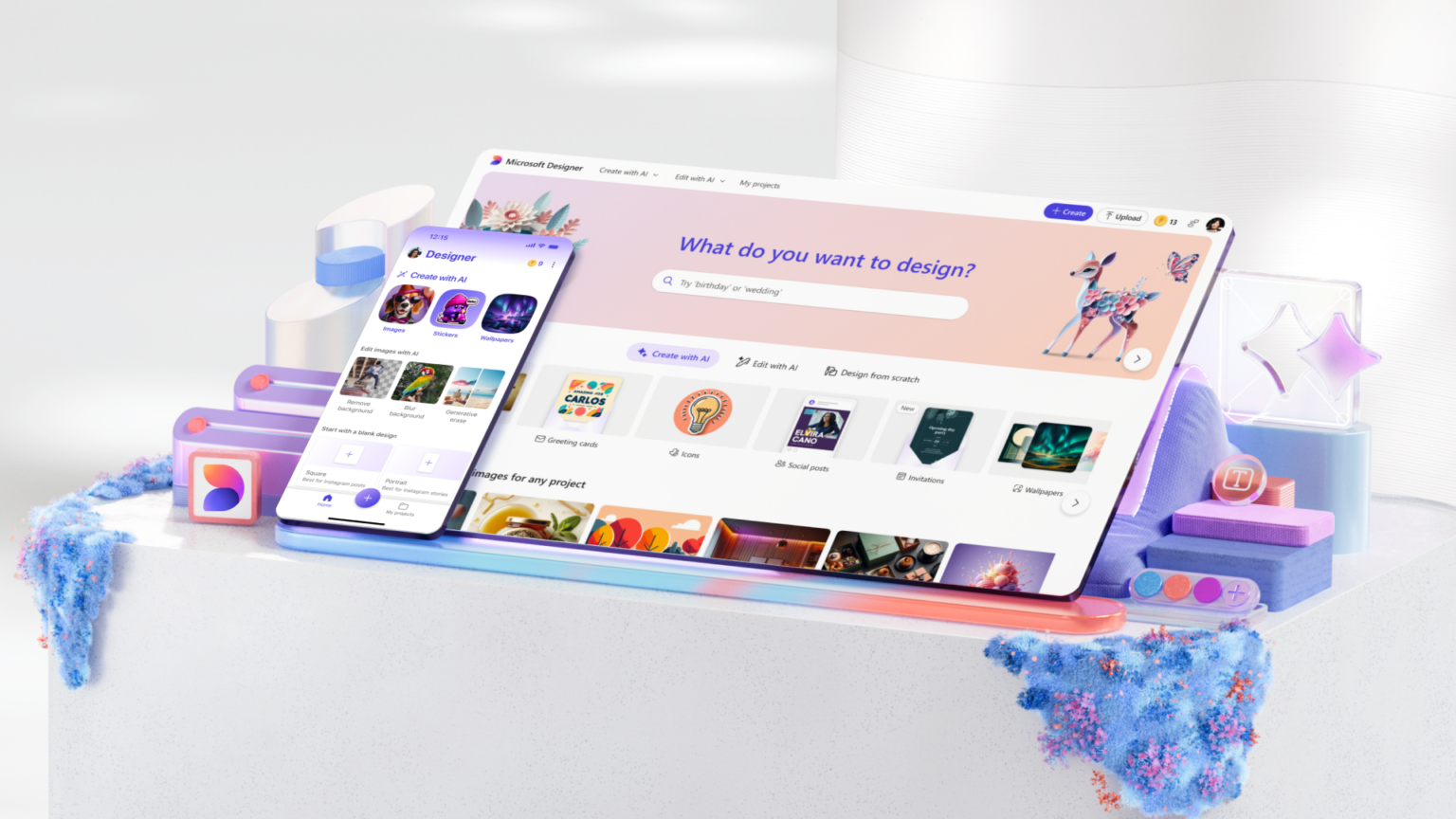
Design Language: Clear, consistent, and brand-aligned.
Accessibility: Inclusive by design, usable by all.
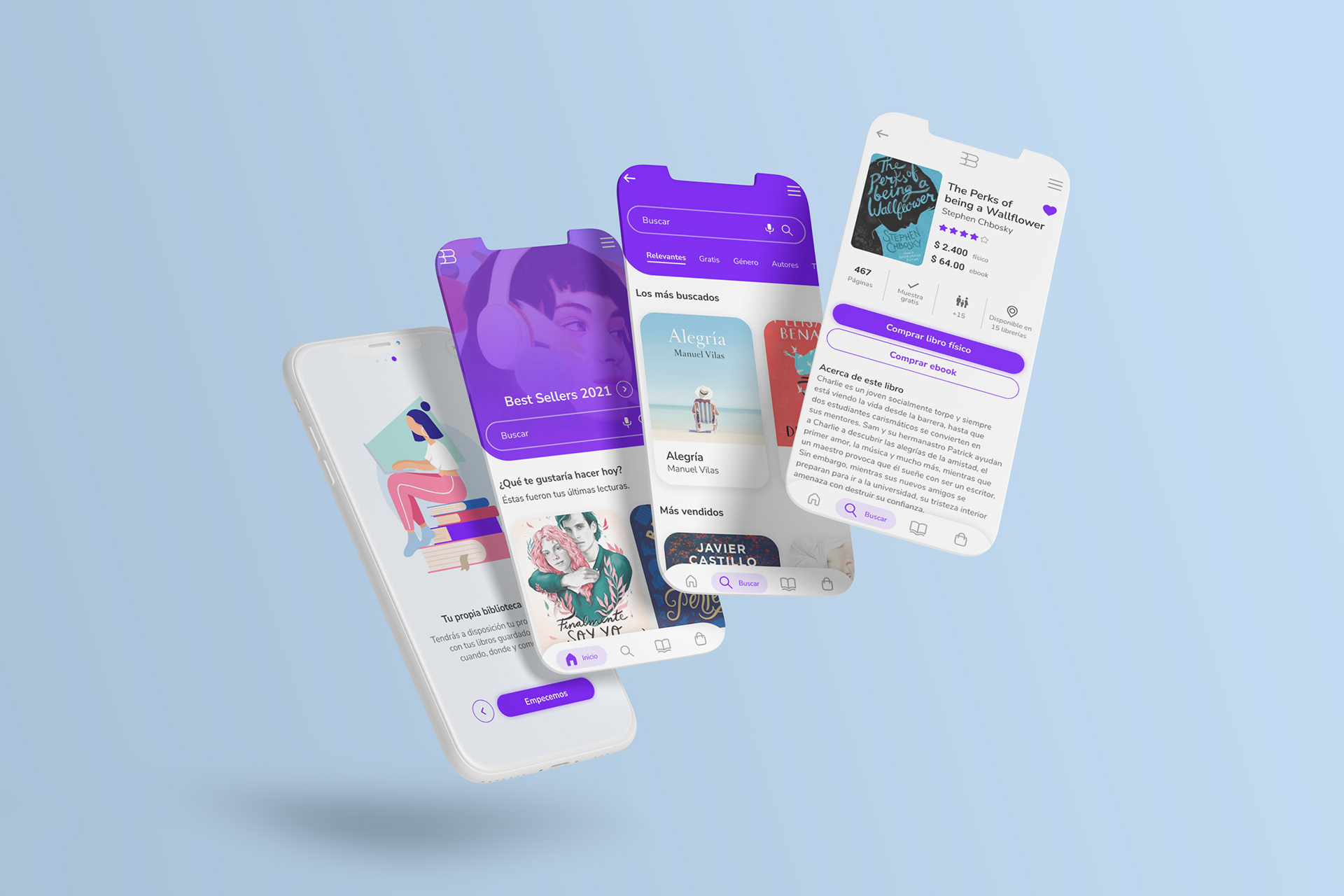
User-Facing: Intuitive interfaces, built for engagement.